Why This Matters in 2026
In 2026, the landscape of digital privacy has never been more treacherous for torrent users. With ISPs implementing increasingly sophisticated deep packet inspection (DPI) technology and copyright enforcement agencies deploying AI-powered monitoring systems, a single privacy misstep can expose your identity within minutes of starting a download.
The consequences have escalated dramatically. What once meant receiving a simple DMCA notice now triggers automatic bandwidth throttling, account suspension, and in some jurisdictions, immediate legal action with fines reaching thousands of dollars. Major ISPs like Comcast and Verizon have integrated real-time torrent detection that can identify P2P traffic even through basic encryption, making traditional "stealth" methods obsolete.
The problem isn't just legal exposure—it's technical vulnerability. Modern torrent swarms are infiltrated by monitoring nodes that harvest IP addresses, correlate them with user behavior patterns, and build comprehensive profiles of downloading activity. Without proper torrent privacy measures, your real IP address broadcasts to hundreds of peers simultaneously, creating a permanent digital fingerprint.
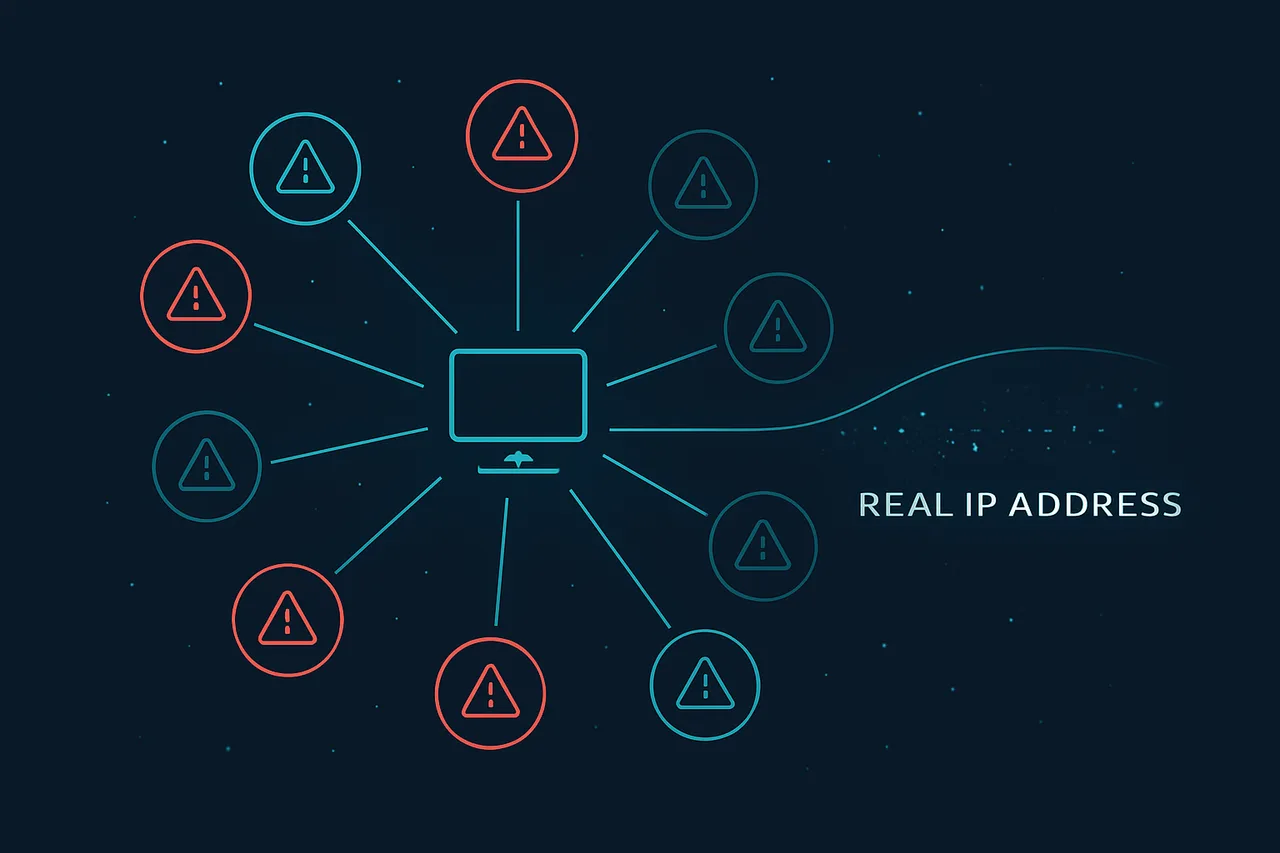
Users are making critical errors that completely undermine their privacy efforts. They're misconfiguring VPN kill switches, leaving WebRTC enabled in browsers, using inadequate VPN protocols, and failing to properly implement debrid services. Many believe that simply connecting to NordVPN or similar services provides complete anonymity—a dangerous misconception that leads to identity exposure.
This guide reveals the seven most common mistakes that leak your identity while torrenting, from DNS leaks that bypass your VPN tunnel to IPv6 traffic that routes outside your protected connection. You'll learn how to identify these vulnerabilities using specific tools, implement bulletproof anonymous torrenting configurations, and understand why popular solutions like basic proxy chains fail under scrutiny.
Whether you're using traditional torrent clients or debrid services, these mistakes apply universally. The techniques covered here go beyond basic VPN setup—they address the technical gaps that even experienced users overlook, ensuring your torrenting activity remains truly anonymous in 2026's hostile digital environment.
What You'll Need
Before diving into the common identity-leaking mistakes in torrenting, ensure you have the proper setup to follow along with the examples and implement the security measures discussed in this guide.
Hardware Requirements
- Desktop or laptop computer with at least 4GB RAM
- Minimum 50GB free disk space for torrent client and test files
- Stable internet connection (minimum 10 Mbps recommended)
- Network adapter capable of handling VPN traffic
Essential Software
- Torrent Client: qBittorrent v4.5+ or Transmission v3.0+ (avoid uTorrent/BitTorrent)
- VPN Software: Current version of your VPN provider's client (ExpressVPN, NordVPN, Mullvad, etc.)
- Network Analysis Tool: Wireshark v4.0+ for traffic monitoring examples
- IP Checker: Web browser (Chrome 110+, Firefox 110+, or Safari 16+)
Required Accounts & Services
- Active VPN subscription with kill switch functionality
- Access to IP leak testing websites (ipleak.net, dnsleaktest.com)
- Basic torrent tracker account for testing (public trackers acceptable)
Recommended System Specifications
- 8GB+ RAM for optimal VPN and torrent client performance
- SSD storage for faster file handling
- Dual-monitor setup helpful for monitoring network traffic while torrenting
- Updated operating system (Windows 10/11, macOS 12+, or recent Linux distribution)
Having these prerequisites in place will allow you to actively test the vulnerabilities and solutions presented throughout this guide.
Step-by-Step Guide
- Enable VPN Kill Switch and Configure WireGuard Protocol The most critical mistake is torrenting without a kill switch. When your VPN connection drops, your real IP address becomes exposed to every peer in the swarm. Navigate to your VPN settings and enable the kill switch feature. For optimal performance and security, we recommend Get ProtonVPN with WireGuard protocol enabled. In ProtonVPN, go to Settings → Connection → Protocol and select "WireGuard". Then enable "Kill Switch" under Settings → Advanced. This ensures that if your VPN disconnects, all internet traffic stops immediately, preventing IP leaks. [Screenshot: ProtonVPN kill switch toggle enabled in advanced settings] Why this matters: Without a kill switch, even a momentary VPN disconnection can expose your real IP to copyright holders monitoring torrent swarms. WireGuard provides faster speeds and better security than older protocols like OpenVPN.
- Disable IPv6 in Your Operating System
Most VPNs only route IPv4 traffic, leaving IPv6 connections exposed. You must disable IPv6 completely to prevent leaks. On Windows, open Network and Sharing Center → Change adapter settings → Right-click your network adapter → Properties → Uncheck "Internet Protocol Version 6 (TCP/IPv6)".
On macOS, go to System Preferences → Network → Advanced → TCP/IP → Configure IPv6: Off.
For Linux users, edit the sysctl configuration:
[Screenshot: Windows network adapter properties with IPv6 unchecked] Why this matters: IPv6 leaks are invisible to most users but easily detected by copyright monitoring services. Even with a VPN active, your IPv6 address can reveal your location and ISP.net.ipv6.conf.all.disable_ipv6 = 1 net.ipv6.conf.default.disable_ipv6 = 1 - Configure DNS Leak Protection
DNS requests can reveal which torrents you're accessing, even with a VPN active. Configure your system to use your VPN provider's DNS servers exclusively. In Windows, go to Network and Sharing Center → Change adapter settings → Right-click your VPN adapter → Properties → Internet Protocol Version 4 → Use the following DNS server addresses.
Set ProtonVPN's DNS servers:
Test for leaks at dnsleaktest.com while connected to your VPN. [Screenshot: DNS leak test showing VPN provider's servers only] Why this matters: Your ISP's DNS servers can log every domain you visit, including torrent sites. Using VPN DNS servers ensures your browsing history remains private and encrypted.Primary DNS: 10.2.0.1 Secondary DNS: 10.2.0.1 - Bind Your Torrent Client to VPN Interface
Force your torrent client to only use your VPN connection by binding it to the VPN network interface. In qBittorrent, go to Tools → Preferences → Advanced → Network Interface and select your VPN adapter (usually "TAP-ProtonVPN" or similar).
In Deluge, navigate to Preferences → Network → Outgoing Interface and select your VPN interface.
For Transmission, edit settings.json:
[Screenshot: qBittorrent network interface dropdown with VPN adapter selected] Why this matters: Interface binding creates a hard dependency on your VPN connection. If the VPN disconnects, the torrent client cannot connect to any peers, providing an additional layer of protection beyond the kill switch."bind-address-ipv4": "10.x.x.x" "bind-address-ipv6": "::" - Disable WebRTC in Your Browser
WebRTC can leak your real IP address even when using a VPN, especially when visiting torrent sites. In Chrome, install the "WebRTC Leak Prevent" extension. In Firefox, type "about:config" in the address bar and set:
For additional protection, also set:media.peerconnection.enabled = false media.navigator.enabled = false
[Screenshot: Firefox about:config page with WebRTC settings disabled] Why this matters: Many torrent sites use WebRTC for various features. A WebRTC leak can expose your real IP address to site operators and potentially to copyright monitoring services embedded in these sites.media.peerconnection.ice.default_address_only = true media.peerconnection.ice.no_host = true - Configure Proxy Settings in Torrent Client
Add an extra layer of protection by configuring SOCKS5 proxy in addition to your VPN. In qBittorrent, go to Tools → Preferences → Connection → Proxy Server. Enable "Use proxy for peer connections" and enter your VPN provider's SOCKS5 details.
ProtonVPN SOCKS5 configuration:
Enable "Use proxy only for torrents" and "Disable connections not supported by proxies". [Screenshot: qBittorrent proxy configuration with SOCKS5 settings filled] Why this matters: SOCKS5 proxy provides an additional tunnel for your torrent traffic. Even if your main VPN connection has issues, the proxy can provide continued protection for your torrent activity.Type: SOCKS5 Proxy: [Your VPN server IP] Port: 1080 Authentication: [Your VPN credentials] - Enable Encryption and Disable DHT/PEX
Configure your torrent client to use encrypted connections only and disable DHT (Distributed Hash Table) and PEX (Peer Exchange). In qBittorrent, go to Tools → Preferences → BitTorrent → Privacy and check "Enable anonymous mode".
Also set:
[Screenshot: qBittorrent privacy settings with anonymous mode enabled] Why this matters: DHT and PEX can leak information about your torrenting activity outside the VPN tunnel. Anonymous mode prevents your client from sharing unnecessary information that could be used to identify your activities.Encryption mode: Require encryption Enable DHT: Unchecked Enable PEX: Unchecked Enable LSD: Unchecked - Verify IP Address in Torrent Client Regularly check that your torrent client is showing your VPN IP address, not your real one. Use a service like ipmagnet.services.cbcdn.com - download this special torrent that reports back the IP address your client is using. Compare the reported IP with your VPN IP by checking whatismyipaddress.com while connected to your VPN. [Screenshot: IP magnet torrent showing VPN IP address in torrent client] Why this matters: This is your final verification that all previous steps are working correctly. If you see your real IP address here, something in your configuration is wrong and you're at risk.
- Test Configuration Under Stress Deliberately disconnect and reconnect your VPN while torrenting to ensure your kill switch and interface binding work correctly. Monitor your torrent client - it should show no activity when the VPN is disconnected. Use multiple IP leak testing tools: - ipleak.net - dnsleaktest.com - webrtcleak.com Run these tests while actively torrenting to ensure no leaks occur under load. [Screenshot: IP leak test results showing no leaks while torrenting] Why this matters: Configuration testing under real-world conditions ensures your setup will protect you when it matters most. Many users configure protection correctly but never verify it works under stress.
- Configure Automatic VPN Connection on Startup
Ensure your VPN connects automatically when your computer starts, before any other internet-connected applications launch. In Windows, add your VPN client to startup programs via Task Manager → Startup tab.
Create a batch file to delay torrent client startup:
@echo off timeout /t 30Common Mistakes to Avoid
Even privacy-conscious users make critical errors that can expose their identity while torrenting. Here are the most dangerous mistakes and how to prevent them:⚠️ Warning: Using free VPNs that log your activity and sell data to third parties, completely defeating the purpose of anonymity protection.**Free VPN Services** are often worse than no protection at all. Many log your real IP address and browsing data, then sell it to advertisers or comply with law enforcement requests. **Solution:** Invest in a reputable paid VPN service with a verified no-logs policy and P2P-friendly servers.⚠️ Warning: Forgetting to enable the VPN kill switch allows your real IP to leak during connection drops, exposing your identity to all peers.**Kill Switch Neglect** is a common oversight. When your VPN connection drops unexpectedly, your torrent client continues downloading using your real IP address. **Solution:** Always enable your VPN's kill switch feature and test it by manually disconnecting to ensure torrents stop immediately. **DNS Leaks** occur when your system bypasses the VPN's DNS servers and uses your ISP's instead. This reveals your browsing activity even with an active VPN connection. **Solution:** Use your VPN's DNS servers exclusively and regularly test for leaks using online DNS leak detection tools.⚠️ Warning: Connecting to torrents before your VPN is fully established exposes your real IP to the entire swarm within seconds.**Premature Torrent Starting** happens when users launch their torrent client before confirming VPN connectivity. **Solution:** Always verify your VPN connection and IP address change before opening any torrent client. **Browser Integration Mistakes** involve using the same browser for both torrenting-related searches and regular browsing without clearing cookies or using incognito mode. **Solution:** Use a separate browser profile or Tor browser for torrent-related activities to prevent cross-contamination of your digital footprint.How to Verify Your Setup
Before downloading your first torrent, you must verify that your privacy setup is working correctly. A single misconfiguration can expose your real IP address, making all your security efforts worthless. **Essential Test Sites** Start with these reliable testing platforms: - **ipleak.net** - Comprehensive test showing IP, DNS, WebRTC, and torrent client leaks - **dnsleaktest.com** - Focused DNS leak detection with extended testing options - **whatismyipaddress.com** - Simple IP verification - **doileak.com** - Torrent-specific leak testing💡 Pro Tip: Test from multiple sites and compare results. Different services may detect leaks that others miss.**What Results to Look For** Your tests should show: - **IP Address**: Should match your VPN server location, not your real location - **DNS Servers**: Should belong to your VPN provider, not your ISP - **WebRTC**: Should show "Not detected" or match your VPN IP - **Torrent IP**: Must match your VPN IP exactly **If Tests Fail** When tests reveal leaks: 1. **Disconnect immediately** from any torrent clients 2. **Check VPN connection** - reconnect if necessary 3. **Verify kill switch** is enabled and functioning 4. **Review DNS settings** - ensure you're using VPN DNS servers 5. **Disable WebRTC** in your browser 6. **Restart your torrent client** after fixing issues💡 Pro Tip: Perform verification tests regularly, not just during initial setup. Network configurations can change, and software updates may reset your privacy settings.Never proceed with torrenting until all tests consistently show your real IP address is hidden. Your anonymity depends on this verification step.Troubleshooting Common Issues
VPN Disconnects During Downloads
**Problem:** Your VPN connection drops while torrenting, exposing your real IP address. **Likely Cause:** Unstable internet connection or VPN server overload. **Fix:** 1. Enable your VPN's kill switch feature in settings 2. Select a less crowded server location 3. Switch to OpenVPN protocol for better stability 4. Configure your torrent client to bind only to the VPN interfaceDNS Requests Still Leak Despite VPN
**Problem:** DNS queries reveal your browsing activity even with VPN active. **Likely Cause:** Your system is using default ISP DNS servers instead of VPN's DNS. **Fix:** 1. Run a DNS leak test at dnsleaktest.com 2. Configure your network adapter to use VPN's DNS servers 3. Enable DNS leak protection in your VPN client 4. Consider using secure DNS services like Cloudflare (1.1.1.1)Torrent Client Ignores VPN Connection
**Problem:** Downloads continue using your real IP when VPN disconnects. **Likely Cause:** Torrent client isn't configured to route traffic through VPN exclusively. **Fix:** 1. Open your torrent client's network settings 2. Find "Bind to interface" or "Network interface" option 3. Select your VPN's network adapter from the dropdown 4. Restart the torrent client to apply changesWebRTC Reveals Real IP in Browser
**Problem:** Your actual IP address leaks through WebRTC while browsing torrent sites. **Likely Cause:** WebRTC protocol bypasses VPN tunnel in browsers. **Fix:** 1. Install WebRTC leak prevention browser extension 2. In Chrome: go to chrome://flags and disable WebRTC 3. In Firefox: type about:config and set media.peerconnection.enabled to false 4. Test for leaks at browserleaks.com/webrtcFrequently Asked Questions
Q: Is torrenting always illegal?
A: No, torrenting itself is a legal file-sharing protocol used for distributing open-source software, public domain content, and other legitimate files. However, using torrents to download copyrighted material without permission is illegal in most countries.
Q: Can I get caught torrenting even with a VPN?
A: While a quality VPN significantly reduces your risk, you can still be exposed if your VPN disconnects, leaks DNS requests, or doesn't support P2P traffic. Always use a kill switch and choose a VPN that explicitly allows torrenting on their servers.
Q: What happens if I receive a DMCA notice?
A: DMCA notices are warnings from copyright holders sent through your ISP, typically resulting in throttled internet or account suspension after multiple violations. Contact your ISP to understand their specific policy and consider it a serious warning to improve your privacy practices.
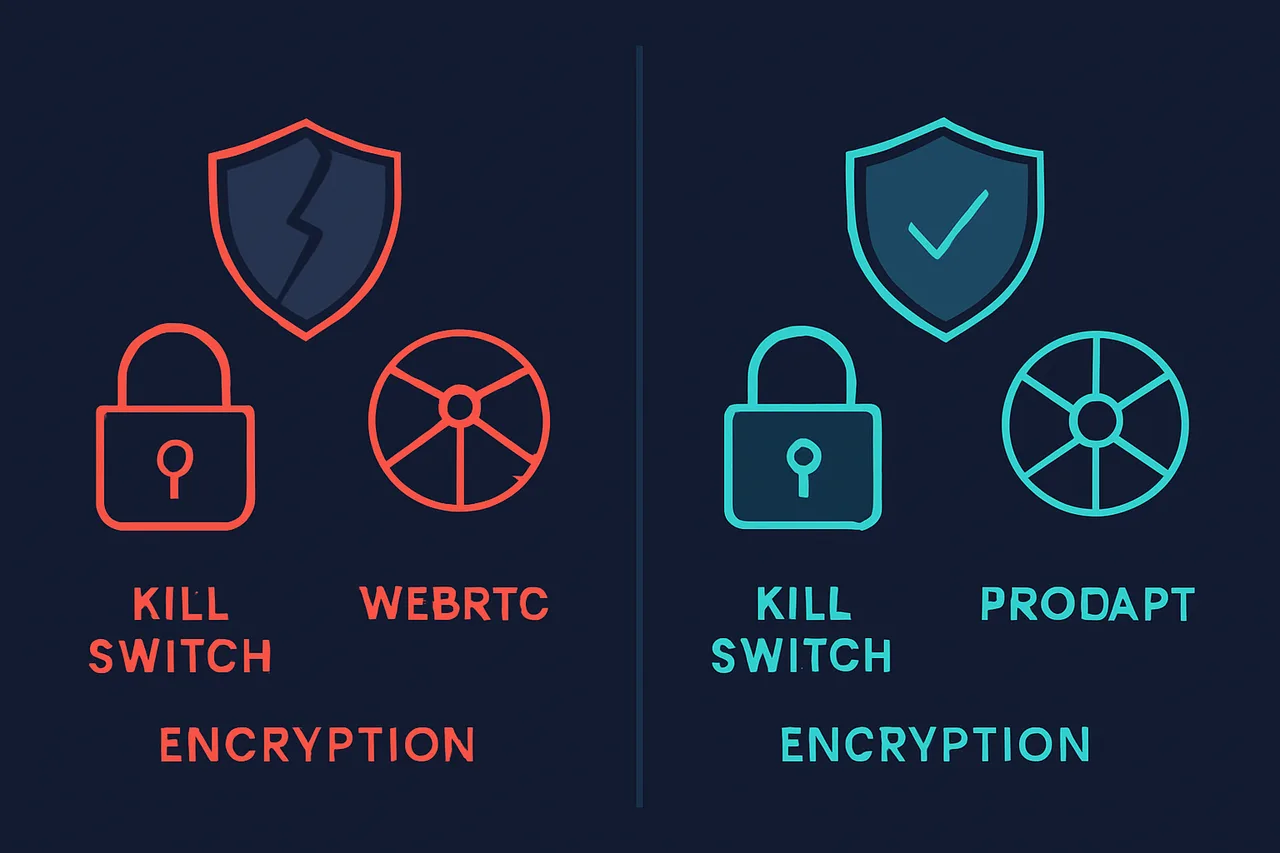
Common Configuration Errors That Undermine Privacy: Small misconfigurations create critical vulnerabilities in your torrent protection setup. Q: Should I use free VPNs for torrenting?
A: Free VPNs are generally unsafe for torrenting because they often lack proper encryption, keep activity logs, have bandwidth limitations, and may not allow P2P traffic. Many free services also sell user data to third parties, defeating the purpose of privacy protection.
Q: How can I test if my setup is secure?
A: Use IP leak testing tools while your torrent client is running to check for DNS, WebRTC, and IP leaks. Additionally, many torrent sites offer "IP tracker" torrents that show what IP address other peers see when you connect.
🛡️ Best VPN for Torrenting: ProtonVPN
P2P-optimized servers in privacy-friendly jurisdictions. WireGuard protocol for excellent speeds. No-logs policy verified by Swiss courts. Kill switch prevents IP leaks.
[GET_PROTONVPN]✓ 30-day money-back guarantee ✓ Works with all torrent clients ✓ Swiss privacy
Conclusion
Protecting your identity while torrenting requires avoiding these seven critical mistakes: using unsecured connections, neglecting VPN kill switches, ignoring DNS leaks, choosing wrong VPN protocols, exposing real IP addresses, skipping encryption, and using unreliable VPN services. Each vulnerability can compromise your privacy and expose you to legal consequences. Your next step is selecting a proven VPN service that prioritizes P2P traffic and maintains strict no-logs policies. Don't gamble with free or untested services when your privacy is at stake. For detailed VPN comparisons and recommendations, check our comprehensive VPN tier list. Want to strengthen your online security further? Browse our complete privacy guides covering advanced protection techniques and digital security best practices.