Hytale Is Finally Here—And You Don't Need to Rent a Server to Play With Friends
After years of anticipation, Hytale launched into Early Access on January 13, 2026, and the hype is justified. Developed by the team behind Hypixel—the largest Minecraft server network in history—Hytale delivers a sandbox RPG experience with deep modding support, procedurally generated worlds, and multiplayer that puts Minecraft's aging netcode to shame. According to Hypixel Studios' official announcement, the game has already surpassed expectations in its first month of Early Access.
But here's the thing most players discover within the first week: the default multiplayer experience is limited. Public servers are crowded, laggy, and full of strangers. And Hytale's built-in peer-to-peer hosting ties your world to your PC—when you log off, everyone gets kicked. If you want a dedicated Hytale server that runs 24/7, with your rules, your mods, and your community, you need to self-host.
Thanks to SelfHostHytale—a one-command automated installer—spinning up your own dedicated server takes about five minutes, even if you've never touched a Linux terminal before. This guide covers everything: why self-hosting matters, what hardware you need, how to set it up, and how to lock it down so griefers can't ruin your world.
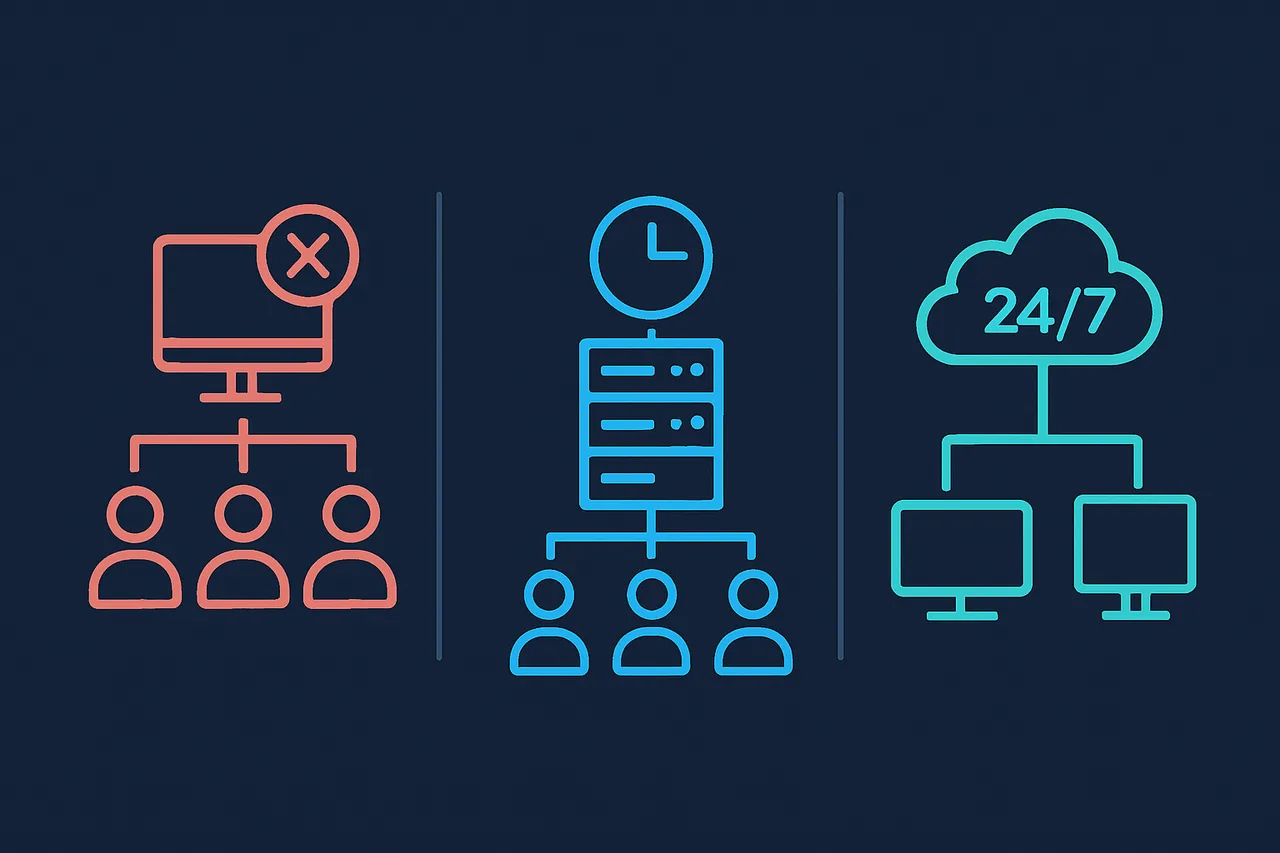
Why Self-Host Your Hytale Server Instead of Renting One?
Game server hosting companies like Shockbyte, Apex, and BisectHosting are already selling managed Hytale plans. They're convenient, but they come with trade-offs that most players don't realize until they're locked in.
The case for self-hosting:
- Full root access—install any mod, plugin, or custom configuration without waiting for your host's "supported mods" list to catch up
- No artificial player limits—managed hosts often cap players per plan tier, even when your hardware could handle more
- No surprise bills—managed hosts charge extra for backups, DDoS protection, and priority support. With a VPS, you get what you pay for
- Better performance per dollar—a $30/month VPS gives you 4 GB RAM and 2 CPU cores with full control. Managed hosts charge that for a fraction of the resources
- Privacy—your world data, player logs, and chat history stay on hardware you control. No third party mining your server data
- Learning experience—running a Linux server teaches you skills that transfer to careers in DevOps, system administration, and cloud engineering
The trade-off is responsibility. You handle updates, backups, and security. But as you'll see below, the SelfHostHytale installer automates the heavy lifting, and a good VPS provider handles the infrastructure reliability.
Server Requirements: What Hardware Do You Actually Need?
Hytale's dedicated server is surprisingly efficient compared to Minecraft's Java edition, but you still need decent specs for a smooth experience. According to the official Hytale Server Manual, here are the requirements:
Minimum Requirements
- RAM: 4 GB (absolute minimum—expect crashes with more than 4 players)
- CPU: 2 cores
- Storage: 20 GB SSD
- OS: Ubuntu 22.04+, Debian 12+, or Rocky Linux 8+
- Java: Java 25 (installed automatically by the script)
- Network: UDP port 5520 open
Recommended Specs (What You Actually Want)
- RAM: 8 GB+ (handles 10-20 players comfortably with mods)
- CPU: 4 cores (Hytale's world generation is CPU-intensive)
- Storage: 50 GB+ NVMe SSD (faster world saves, quicker backups)
- Bandwidth: Unmetered (world chunks, player data, and voice traffic add up)
Real-world testing confirms what the community has discovered: 4 GB crashes frequently once you have multiple players online. Budget for 6-8 GB if your group is larger than four people.
Choosing a VPS Provider: Why ScalaHosting Gets Our Recommendation
You need a VPS—a Virtual Private Server—that gives you a dedicated Linux machine running 24/7 in a datacenter. Not all VPS providers are equal, and the wrong choice leads to hours of troubleshooting Docker compatibility, missing kernel features, or surprise bandwidth charges.
After testing multiple providers specifically for Hytale server hosting, ScalaHosting's Self-Managed Cloud VPS consistently delivered the best results. Here's why it works particularly well for game servers:
- KVM virtualization—you get a real virtual machine with its own kernel, not a shared container. This means systemd works properly, Java 25 installs cleanly, and there are no compatibility nightmares
- Full root access—install anything, configure anything, no restrictions on what software you run
- Unmetered bandwidth—critical for game servers where player connections, world chunk transfers, and mod downloads create unpredictable traffic spikes. No surprise overage bills
- Free daily snapshots—one-click backup and restore before risky mod installs or configuration changes. This is your safety net
- NVMe SSD storage—Hytale's world saves and backups are I/O intensive. NVMe is noticeably faster than standard SSD for this workload
- 99.9% uptime SLA—your friends shouldn't have to text you asking why the server is down at 2 AM
The Build #1 plan at $29.95/month (2 CPU cores, 4 GB RAM, 50 GB SSD) handles a Hytale server for small groups of 4-8 players. For groups of 10-20 players or heavy mod usage, their Build #2 plan (4 cores, 8 GB RAM) gives you comfortable headroom.
Why not just use AWS or DigitalOcean? They work, but ScalaHosting eliminates the gotchas. No bandwidth metering that spikes your bill when someone joins with 50 mods. No extra charges for snapshot backups. No Docker/systemd compatibility issues because you're running on proper KVM with full kernel access. For game servers specifically, these details matter more than you'd expect.
Setting Up Your Hytale Server with SelfHostHytale (5-Minute Install)
The traditional way to set up a Hytale dedicated server involves manually installing Java 25, downloading the server files, configuring systemd services, setting up firewall rules, creating a dedicated user account, and writing backup scripts. It's a multi-hour process that's easy to get wrong.
SelfHostHytale automates the entire process with a single command. Here's the complete walkthrough.
Step 1: Get Your VPS Ready
- Sign up for a ScalaHosting Self-Managed Cloud VPS
- Choose Ubuntu 22.04 or Debian 12 as your operating system
- Note your server's IP address and root password from the welcome email
- SSH into your server:
ssh root@YOUR_SERVER_IP
Step 2: Run the One-Command Installer
Once you're logged into your server via SSH, run:
curl -fsSL https://raw.githubusercontent.com/loponai/selfhosthytale/main/install.sh | sudo bashThe script automatically handles:
- Java 25 installation—the exact version Hytale requires
- Server software download—pulls the latest Hytale dedicated server files
- Dedicated user account—creates a non-root
hytaleuser for security - Systemd service—auto-starts on boot with graceful shutdown and crash recovery
- Firewall configuration—opens UDP port 5520 for game traffic, blocks everything else
- Automated backups—snapshots every 30 minutes with 24-hour retention
- System hardening—security best practices applied automatically
The entire process takes 2-5 minutes depending on your server's internet speed.
Step 3: Authenticate Your Server
Hytale requires server authentication tied to a Hytale account. After the installer finishes, you'll need to:
- Review and accept Hytale's EULA and server policies
- Link the server to your Hytale account for authentication
- Choose your authentication mode: authenticated (players need Hytale accounts) or offline (no account verification)
For private servers with friends, authenticated mode is recommended. It prevents random players from connecting even if they discover your server's IP.
Step 4: Configure Your Server
After installation, your server's configuration files live in the install directory. The key files you'll want to customize:
- Server settings (JSON)—world seed, difficulty, max players, server name
- Permissions file—who can use admin commands, who gets operator status
- Whitelist—restrict access to specific players only
Critical security note: By default, Hytale allows any player to run /op self in-game and give themselves admin permissions. Disable this immediately by configuring your permissions file before letting anyone connect.
Step 5: Managing Your Server
The SelfHostHytale installer creates a systemd service, giving you clean management commands:
# Check server status
sudo systemctl status hytale

# Stop the server (graceful shutdown)
sudo systemctl stop hytale

# Start the server
sudo systemctl start hytale

# Restart after configuration changes
sudo systemctl restart hytale

# View live server logs
sudo journalctl -u hytale -f
The server automatically restarts after crashes and starts on system boot. If your ScalaHosting VPS reboots for maintenance, your Hytale server comes back up on its own.
Installing Mods and Plugins
One of Hytale's biggest selling points is its deep modding support. The game was designed from the ground up to be modifiable, and the dedicated server supports mods natively.
To install mods on your self-hosted server:
- Download mod files from the Hytale mod community
- Upload them to your server's mods directory via SFTP or
scp - Restart the server:
sudo systemctl restart hytale - Players connecting will need the same mods installed client-side
Having full root access on your VPS means there's no "supported mods" restriction. If a mod exists, you can run it. Managed hosting providers often lag weeks behind on mod support or block certain mods entirely.
Setting Up a Custom Domain
Instead of giving your friends a raw IP address like 45.123.67.89:5520, you can point a domain name at your server for a cleaner experience.
- Register a domain (or use a subdomain of one you already own)
- Add an A record in your DNS settings pointing to your server's IP address
- Players connect using
play.yourdomain.cominstead of the IP
Cloudflare (free tier) works well for this. Just make sure to set the proxy status to "DNS only" (grey cloud)—Cloudflare's HTTP proxy doesn't work with game server UDP traffic.
Securing Your Hytale Server
Running a public-facing game server means you're a target for griefers, DDoS attacks, and script kiddies scanning for vulnerable services. The SelfHostHytale installer configures sensible security defaults, but here's what you should do on top of that.
Essential Security Hardening
- Lock down the /op command—configure permissions so only you can promote operators. This is the #1 security risk in a default Hytale server
- Enable the whitelist—restrict connections to players you've explicitly approved
- Change the SSH port from default 22 to something random (e.g., 49152). This alone blocks 99% of automated attacks
- Use SSH keys instead of passwords—disable password authentication entirely in
/etc/ssh/sshd_config - Install fail2ban—automatically blocks IPs that attempt brute-force logins:
sudo apt install fail2ban - Enable automatic security updates:
sudo apt install unattended-upgrades - Keep backups current—the installer creates automatic snapshots every 30 minutes, and ScalaHosting's free daily snapshots provide an additional safety net at the VPS level
Protecting Against DDoS Attacks
Game servers are frequent DDoS targets, especially if you run a public server. While no solution is perfect, these steps significantly reduce your exposure:
- Don't share your server's raw IP publicly—use a domain with Cloudflare DNS (not proxied) so the IP isn't immediately obvious
- ScalaHosting includes basic DDoS mitigation at the datacenter level
- Use a VPN for admin access—NordVPN encrypts your SSH connections and hides your home IP from server logs, preventing attackers from targeting you personally. Check our VPN tier list for a full comparison
Automated Backups: Never Lose Your World
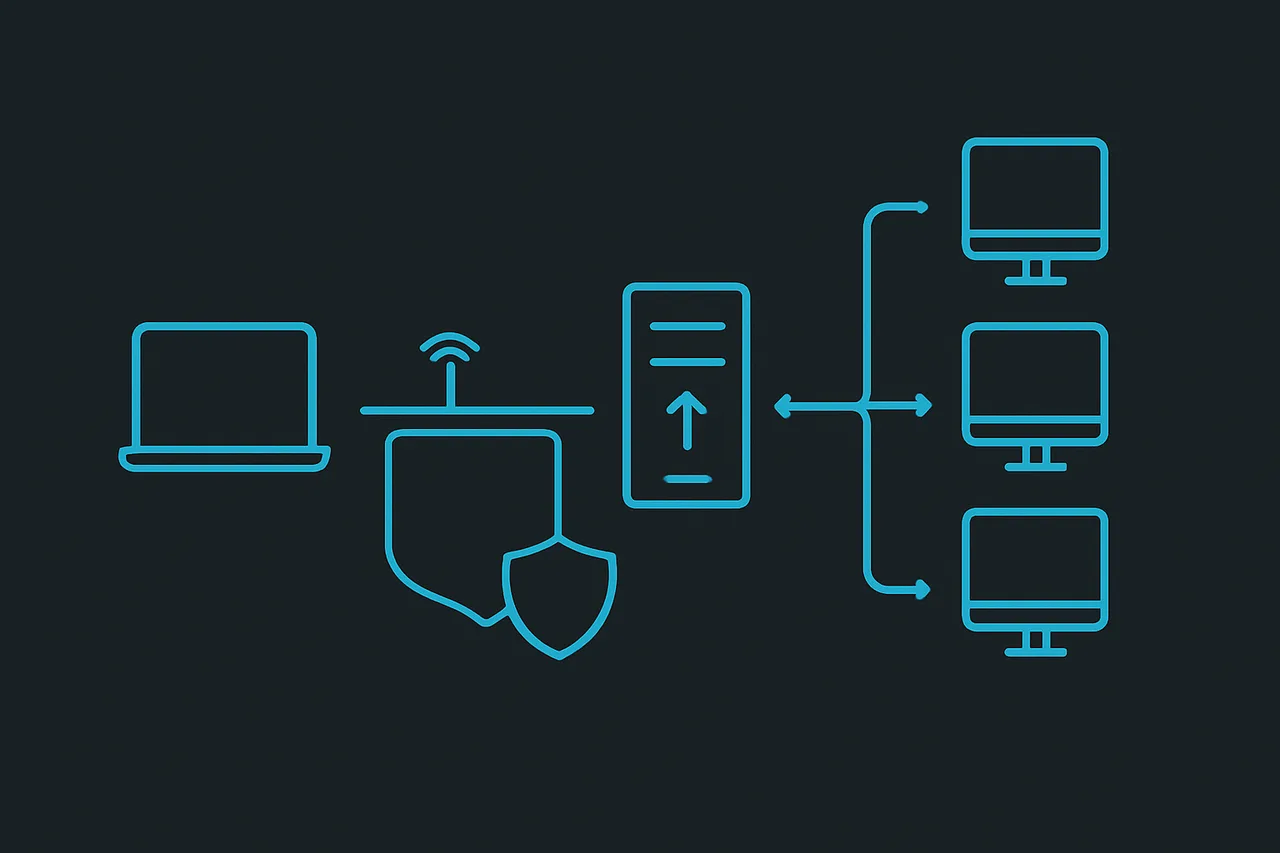
The SelfHostHytale installer configures automated backups every 30 minutes with 24-hour retention. This means you always have recent snapshots of your world data.
For additional protection, ScalaHosting's free daily VPS snapshots create a full image of your entire server—OS, configuration, world data, and all. If something catastrophic happens (failed update, disk corruption, accidental deletion), you can restore the entire server to a previous state with one click.
For manual backups before risky operations like mod installs:
# Stop the server first for a clean backup
sudo systemctl stop hytale

# Create a compressed backup
tar -czf hytale-backup-$(date +%Y%m%d-%H%M).tar.gz /path/to/hytale/data/

# Restart the server
sudo systemctl start hytale
Scaling: From Friend Group to Community Server
One of the advantages of self-hosting on a VPS is the ability to scale resources as your community grows. Here's what to expect at different player counts:
| Players | RAM | CPU Cores | ScalaHosting Plan |
|---|---|---|---|
| 2-4 players | 4 GB | 2 | Build #1 |
| 5-15 players | 8 GB | 4 | Build #2 |
| 15-30 players | 16 GB | 6 | Build #3 |
| 30+ players | 32 GB+ | 8+ | Custom |
ScalaHosting lets you scale VPS resources up or down through their control panel without rebuilding your server. No data migration, no reinstallation—just adjust the plan and restart.
Cost Comparison: Self-Hosted vs. Managed Hosting
Let's compare what you actually pay:
| Option | Monthly Cost | What You Get |
|---|---|---|
| Managed Hosting (4 GB) | $15-25 | Limited control, restricted mods, player caps |
| Managed Hosting (8 GB) | $30-50 | Better but still restricted |
| Self-Hosted (ScalaHosting) | $29.95 | Full control, any mods, no limits, free backups |
| Self-Hosted (budget VPS) | $5-15 | Works, but expect Java/systemd compatibility issues |
For a group of 10 friends, self-hosting on ScalaHosting works out to $3/person per month for a server you fully control with unlimited mods, no player caps, automated backups, and 99.9% uptime. Split the cost and it's less than a coffee.
Frequently Asked Questions
Can I run a Hytale server on my home PC?
Technically yes, but your world goes offline when your PC shuts down, your home internet likely has upload speed limitations, and your IP address is exposed to every player who connects. A VPS from ScalaHosting stays online 24/7 and keeps your home network separate from your game server.
Can I run this on a Raspberry Pi?
The Hytale server supports arm64, so it technically runs on a Pi 4/5 with 4 GB+ RAM. Performance is marginal for anything beyond 2-3 players, and the SD card storage creates I/O bottlenecks for world saves. It's fine for testing, but a proper VPS is the way to go for actual gameplay.
How do I update the Hytale server when new versions release?
Stop the server, re-run the SelfHostHytale installer, and it will pull the latest version while preserving your world data and configuration. ScalaHosting's snapshot feature lets you create a backup before updating, so you can roll back if something breaks.
Is self-hosting a Hytale server legal?
Absolutely. Hytale officially supports dedicated servers and provides documentation for running them. You must accept their EULA and follow their server policies, but self-hosting is explicitly encouraged by Hypixel Studios.
What if my server gets griefed or DDoSed?
Use the whitelist to restrict who can connect. The automated backup system means you can restore your world to a pre-grief state within minutes. For DDoS protection, ScalaHosting includes datacenter-level mitigation, and keeping your server IP private (using a domain name) prevents most targeted attacks.
Can I run multiple game servers on one VPS?
Yes. With enough RAM and CPU headroom, you can run a Hytale server alongside other game servers or services. ScalaHosting's higher-tier plans with 8-16 GB RAM give you the resources to run multiple services on a single machine.
The Bottom Line
Hytale's Early Access launch in January 2026 brought one of the most anticipated sandbox games in years, and its dedicated server support makes self-hosting a first-class experience. With the SelfHostHytale installer, you don't need to be a Linux expert to get a fully configured, production-ready game server running in minutes.
Pair it with a ScalaHosting Self-Managed Cloud VPS for reliable hardware with KVM virtualization, unmetered bandwidth, free snapshots, and one-click scaling—and you've got a setup that rivals any managed hosting provider at a fraction of the cost, with zero restrictions on mods, plugins, or player counts.
Stop paying managed hosts for artificial limitations. Build your own server, own your world, and play on your terms.
Resources: