Why isn't my VPN working with Disney Plus?
Disney Plus actively blocks most VPN servers to enforce regional licensing agreements. When your VPN gets detected, you'll see error messages or content restrictions instead of your shows. It's one of the most aggressive streaming platforms when it comes to VPN detection, and they're constantly updating their blocking methods.
Here's the thing - Disney has to do this because of complicated licensing deals with content creators and distributors. Different regions have different content libraries, and Disney is legally required to make sure you only see what's available in your actual location. So when they detect you're using a VPN, they'll either block you completely or show you a limited selection of content.
But don't worry, there are still ways to get your VPN working with Disney Plus. You just need to understand how the detection works and use the right approach.

⭐ S-Tier VPN: NordVPN
S-Tier rated. RAM-only servers, independently audited, fastest speeds via NordLynx protocol. 6,400+ servers worldwide.
Get NordVPN →How does Disney Plus detect VPNs?
Disney Plus uses several sophisticated methods to catch VPN users. The most common one is IP address blacklisting - they maintain huge databases of known VPN server IP addresses and automatically block them. When thousands of people connect to Disney Plus from the same IP address, it's pretty obvious that's a VPN server.
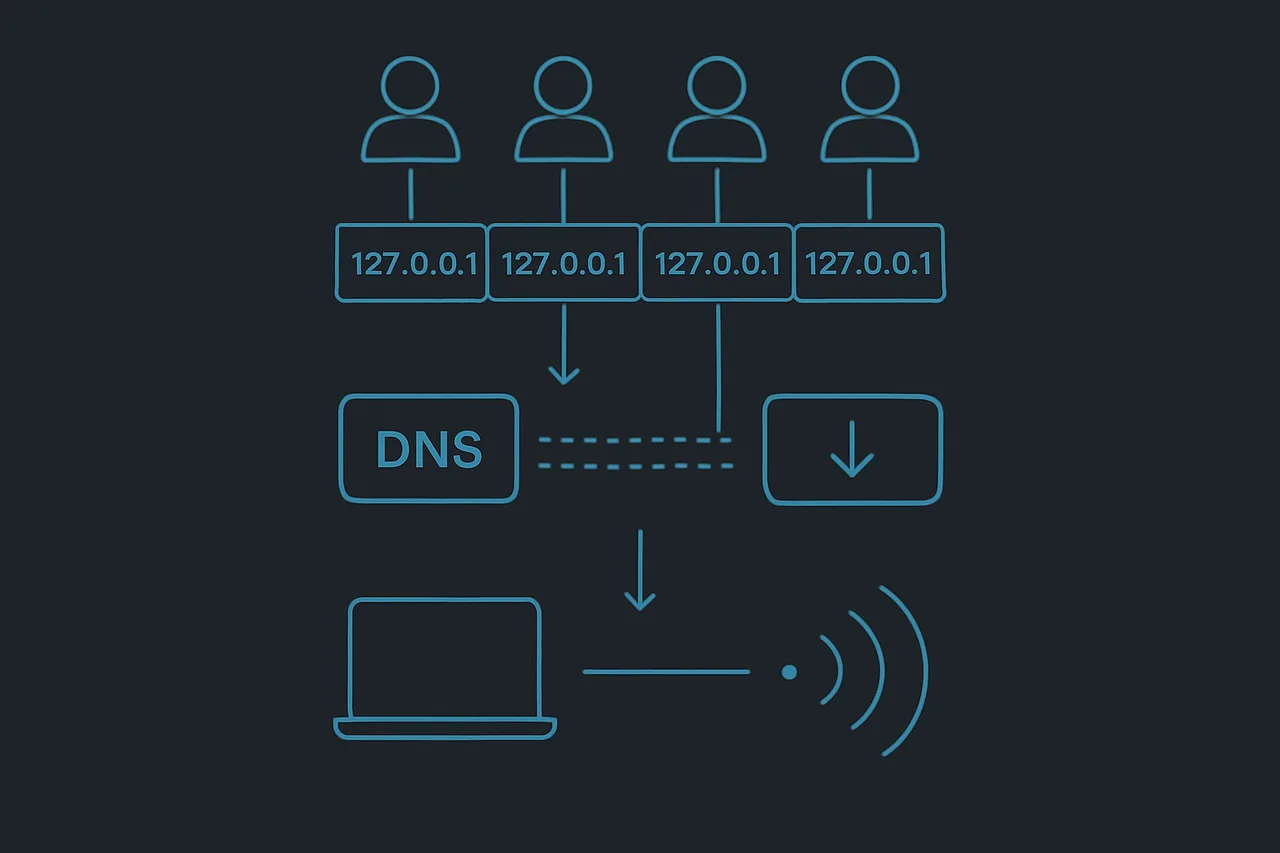
They also use DNS leak detection. Even if your main connection goes through the VPN, sometimes your DNS requests (which translate website names into IP addresses) can leak through your regular internet connection. Disney can see these leaks and figure out your real location.
Another method is deep packet inspection, where they analyze the patterns in your internet traffic. VPN traffic often has certain characteristics that make it identifiable, even when it's encrypted. Advanced streaming platforms like Disney Plus have gotten really good at spotting these patterns.
GPS and device location services add another layer of detection. If you're using the Disney Plus mobile app, they can cross-reference your VPN location with your device's GPS data. When these don't match up, it's another red flag.
The most frustrating part? Disney Plus constantly updates their detection methods. A VPN server that worked perfectly last week might be completely blocked today. It's basically an ongoing cat-and-mouse game between VPN providers and Streaming Services.
Step-by-step guide to fix VPN issues with Disney Plus
Step 1: Try different servers. This is the most important fix. Most VPN providers have hundreds or thousands of servers, and Disney Plus can't block them all at once. Log into your VPN app and try connecting to different servers in the same country. I usually test 3-4 different servers before giving up.
Step 2: Clear your browser data. Disney Plus sometimes remembers your previous location through cookies and cached data. Clear your browser's cookies, cache, and browsing history completely. If you're using the app, try logging out and logging back in.
Step 3: Check for DNS leaks. Go to a DNS leak test website while connected to your VPN. If it shows your real location instead of your VPN location, you've got a leak. Most good VPN apps have a setting to prevent DNS leaks - make sure it's turned on.
Step 4: Try a different VPN protocol. Your VPN app probably offers several connection protocols like OpenVPN, IKEv2, or WireGuard. Switch to a different one and test again. Sometimes one protocol works better than others for streaming.
Step 5: Contact your VPN's support team. Most premium VPN services know which of their servers currently work with Disney Plus. They can point you to specific servers that are optimized for streaming. Don't be shy about asking - it's part of what you're paying for.
Step 6: Try the browser instead of the app. Disney Plus apps on phones and smart TVs often have more aggressive VPN detection than the web browser version. If the app isn't working, try watching through your computer's web browser instead.
Common issues and troubleshooting tips
One of the biggest mistakes I see people make is using free VPNs for streaming. Free VPN services usually have very few servers, and those servers get overloaded with users. Disney Plus can easily identify and block these obvious VPN servers. Plus, free VPNs often have terrible speeds that make streaming impossible anyway.
Another common issue is using servers that are geographically too far from Disney's servers. If you're trying to access US Disney Plus content but connecting to a VPN server on the other side of the country, you might experience slow loading times or connection errors. Try to pick VPN servers that are closer to major cities where Disney likely has content delivery servers.
Some people run into problems because they're trying to use the same VPN server as thousands of other users. Popular VPN servers get blocked faster because Disney notices the unusual traffic patterns. Look for VPN providers that offer dedicated streaming servers or less crowded server options.
Don't forget about your router settings either. If you've set up the VPN on your router, make sure it's not conflicting with your device-level VPN. Running two VPNs at the same time can cause all sorts of weird connection issues that make Disney Plus think you're doing something suspicious.
Frequently asked questions
Is it legal to use a VPN with Disney Plus? Using a VPN itself is completely legal in most countries. However, it does violate Disney Plus's terms of service. The worst that typically happens is they block your access - they're not going to cancel your account or take legal action. That said, you're technically breaking their rules.
Why does Disney Plus work with my VPN sometimes but not others? This happens because Disney Plus is constantly updating their server blacklists. A VPN server might work perfectly for weeks, then suddenly get blocked when Disney adds its IP address to their block list. VPN providers are always setting up new servers to stay ahead, but there's always some back-and-forth.
Can Disney Plus detect all VPNs? No, they can't detect every VPN all the time. High-quality VPN services like those rated S-tier on VPNTierLists.com invest heavily in staying ahead of detection methods. They use techniques like rotating IP addresses and specialized streaming servers to avoid detection.
What's the error message when Disney Plus blocks my VPN? You'll usually see something like "Content not available in your region" or "Unable to connect to Disney Plus." Sometimes you won't get an error at all - the content library will just look different than what you're expecting to see.
Should you keep trying to use a VPN with Disney Plus?
Whether it's worth the hassle depends on what you're trying to accomplish. If you just want to access your home country's Disney Plus content while traveling, it's usually worth the effort. Most good VPN services can get you connected with a little patience and server-switching.
But if you're trying to access content that's not available in your region at all, keep in mind that this is a constant battle. What works today might not work tomorrow, and you'll need to stay on top of server changes and updates.
I think the key is using a VPN service that actually cares about streaming performance. Budget VPN providers often don't bother maintaining servers that work with streaming services because it's expensive and time-consuming. Premium services invest in this specifically because they know it's important to their users.
The bottom line is that Disney Plus tries hard to block VPNs, but they can't block them all. With the right VPN service and a little patience, you can usually get it working. Just be prepared to try different servers and troubleshooting steps when things stop working.