Discord Just Changed the Rules. Here's How to Build Your Own Private Chat Server in 5 Minutes.
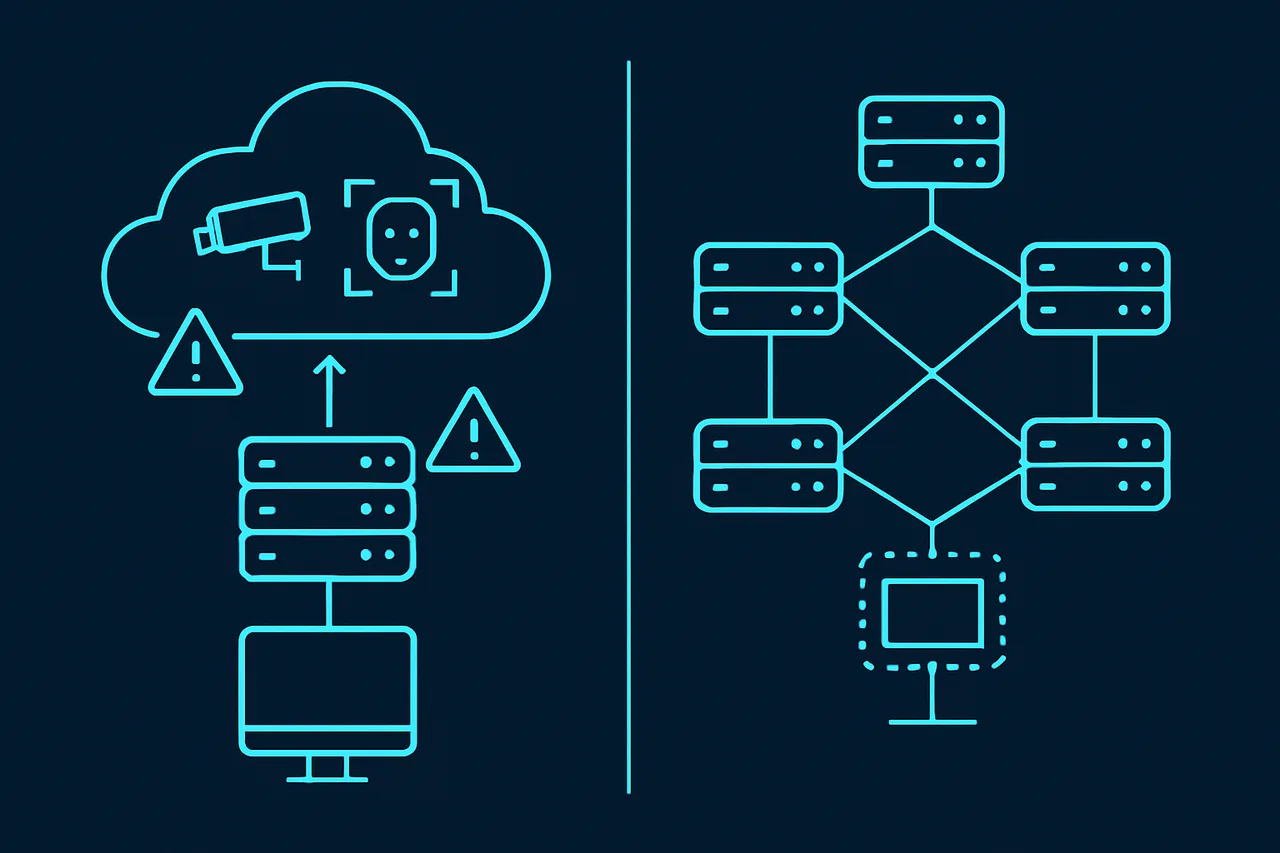
In February 2026, Discord dropped a bombshell: every account will be locked into teen-by-default mode unless users verify their age through facial recognition scans or government-issued ID uploads. The backlash was immediate. Searches for "Discord alternatives" spiked by over 10,000% overnight, according to multiple reports from TechRadar and TechCrunch. And it gets worse: Discord already suffered a data breach in late 2025 that exposed roughly 70,000 government IDs from users who had previously submitted them for appeals.
If you're among the millions of users reconsidering Discord, you don't have to settle for another corporate platform that treats your data as a product. You can host your own chat server—one you fully own, fully control, and can run for your gaming group, development team, or entire community. Two open-source platforms make this realistic even for beginners: Matrix (with the Element client) and Stoat (formerly Revolt). And thanks to a one-command installer called OneShot Matrix, you can have either running on your own server in under five minutes.
This guide walks through everything: why self-hosting matters, which platform fits your needs, how to set it up, and what hosting to use. No sysadmin experience required.
Why Self-Hosting Your Chat Server Is the Move in 2026
The shift away from Discord isn't just reactionary panic. It reflects a growing awareness that centralized communication platforms come with structural risks that no amount of privacy settings can fix.
When you use Discord, Slack, or any similar service, your messages live on their servers. Their terms of service grant them broad rights over your content. Their security breaches expose your data. Their policy changes—like mandatory facial recognition—apply to you whether you consent or not.
Self-hosting flips this dynamic entirely. Your messages stay on hardware you control. Your server rules are your own. No corporation can lock you out of your own community, scan your face, or hand your chat logs to a government agency without your knowledge.
According to the Matrix.org Foundation, self-hosted Matrix deployments grew by over 340% in the past two years. The European Union's digital sovereignty initiatives actively recommend Matrix-based systems for government communication. France, Germany, and the Netherlands already run national Matrix deployments for official use.
For gaming groups, development teams, privacy-conscious communities, or anyone tired of corporate platforms making unilateral decisions, a self-hosted chat server is no longer a niche hobby project—it's a practical alternative.
Matrix vs. Stoat: Choosing Your Self-Hosted Discord Alternative
Before you spin up a server, it helps to understand the two leading open-source Discord alternatives and what makes each one worth considering.
Matrix + Element: The Federated Powerhouse
Matrix is a decentralized communication protocol—not a single app. Think of it like email: anyone can run a Matrix server, and all Matrix servers can talk to each other. The most popular client for accessing Matrix is Element, a sleek web and mobile app that handles text, voice, video, and file sharing.
What makes Matrix stand out:
- End-to-end encryption by default—not even your server admin can read encrypted messages
- Federation—your server can communicate with every other Matrix server worldwide, giving your community reach without surrendering control
- Bridges to Discord, Telegram, Slack, and WhatsApp—your users don't have to choose one platform
- Voice and video calls via the Coturn TURN/STUN server
- Massive ecosystem—hundreds of bots, integrations, and clients beyond Element
- Battle-tested at scale—Mozilla, KDE, GNOME, and multiple governments run on Matrix
Best for: Communities that want maximum privacy, interoperability with other platforms, and a protocol that will still exist in 20 years. If you want to run a private encrypted chat server that can still talk to the wider world, Matrix is the answer.
Stoat (Formerly Revolt): The Discord Clone That Respects You
Stoat, rebranded from Revolt in late 2025, takes a different approach. Rather than building a new protocol, Stoat focuses on replicating the Discord experience—servers, channels, roles, reactions, and all—while being fully open-source and self-hostable.
What makes Stoat stand out:
- Familiar UI—Discord users feel instantly at home
- Built in Rust—significantly faster and lighter on resources than Discord or Matrix
- Built-in features—file uploads, URL previews, push notifications, and custom emoji without extra setup
- Simpler administration—less configuration than Matrix, with sensible defaults
- Invite-only mode for private communities
- Active development—rapid feature development with a passionate open-source community
Best for: Gaming communities and friend groups who want something that looks and feels exactly like Discord but without the corporate surveillance. If your priority is an easy migration path for users who already know Discord's interface, Stoat is the practical choice.
Quick Comparison Table
| Feature | Matrix + Element | Stoat (Revolt) |
|---|---|---|
| End-to-End Encryption | Yes (default) | No (planned) |
| Federation | Yes | No |
| Discord-like UI | Close | Nearly identical |
| Voice/Video Calls | Yes (Coturn) | In development |
| Bridges (Discord, Telegram) | Yes | No |
| RAM Requirement | 4 GB | 2 GB |
| Setup Difficulty | Medium | Easy |
| Government/Enterprise Adoption | Widespread | Grassroots |
What You Need: Server Requirements and Hosting
Self-hosting a chat server requires a Virtual Private Server (VPS)—a remote machine running Linux that stays online 24/7. You don't need expensive hardware, but you do need a provider that gives you full root access and doesn't restrict Docker usage.
Minimum Server Requirements
- OS: Ubuntu 22.04+, Debian 12+, or Rocky Linux 8+
- RAM: 4 GB (Matrix) or 2 GB (Stoat)
- Storage: 40 GB SSD minimum
- Ports: 80 and 443 open (plus 8448 for Matrix federation)
- Full root access (required for Docker)
Recommended Hosting: ScalaHosting Self-Managed VPS
After testing multiple VPS providers for this setup, ScalaHosting's Self-Managed Cloud VPS consistently delivered the best experience for running a self-hosted chat server. Here's why:
- KVM virtualization—native Docker support without the compatibility nightmares you get with OpenVZ or LXC containers on budget hosts
- Full root access—no restrictions on what software you install or how you configure your server
- Unmetered bandwidth—critical for a chat server where media files, voice calls, and federation traffic add up fast
- Free daily snapshots—one-click backup and restore if anything goes wrong during setup or updates
- SSD storage—PostgreSQL and MongoDB databases perform significantly better on SSDs
- 99.9% uptime SLA—your chat server needs to stay online for your community
The Build #1 plan at $29.95/month (2 CPU cores, 4 GB RAM, 50 GB SSD) handles a Matrix or Stoat deployment for communities up to 500 active users with room to spare. For smaller groups under 50 users, even ScalaHosting's entry-level plans work well with Stoat's lighter resource footprint.
Why not AWS, DigitalOcean, or Hetzner? They all work technically, but ScalaHosting's combination of KVM virtualization, included snapshots, and unmetered bandwidth eliminates the most common gotchas people run into when self-hosting chat servers. No surprise bandwidth bills when someone uploads a folder of memes. No snapshot fees when you want a pre-update backup. No Docker compatibility issues because you're on a proper KVM virtual machine.
Setting Up Your Server with OneShot Matrix (5-Minute Install)
The traditional way to deploy Matrix or Stoat involves manually configuring Docker Compose files, Nginx or Caddy reverse proxies, SSL certificates, firewall rules, and database connections. It's a multi-hour process even for experienced Linux users.
OneShot Matrix eliminates all of that. It's a single-command installer that automates the entire stack:
Step 1: Point Your Domain to Your Server
Before running the installer, you need a domain name pointing to your VPS. Cloudflare (free tier) is the recommended DNS provider.
- Add your domain to Cloudflare
- Create an A record pointing to your server's IP address
- Critical: Set the proxy status to "DNS only" (grey cloud, not orange). Matrix federation requires direct connections—Cloudflare's proxy will break it
- If using Stoat, also create a CNAME for
app.yourdomain.com
Step 2: Run the One-Command Installer
SSH into your VPS and run:
curl -fsSL https://raw.githubusercontent.com/loponai/oneshotmatrix/main/install.sh | sudo bashThe interactive installer will ask you:
- Which platform? Matrix/Element or Stoat
- Your domain name
- Your email (for Let's Encrypt SSL certificates)
- Admin password (Matrix only)
- Bridge preferences (optional Discord and Telegram bridges)
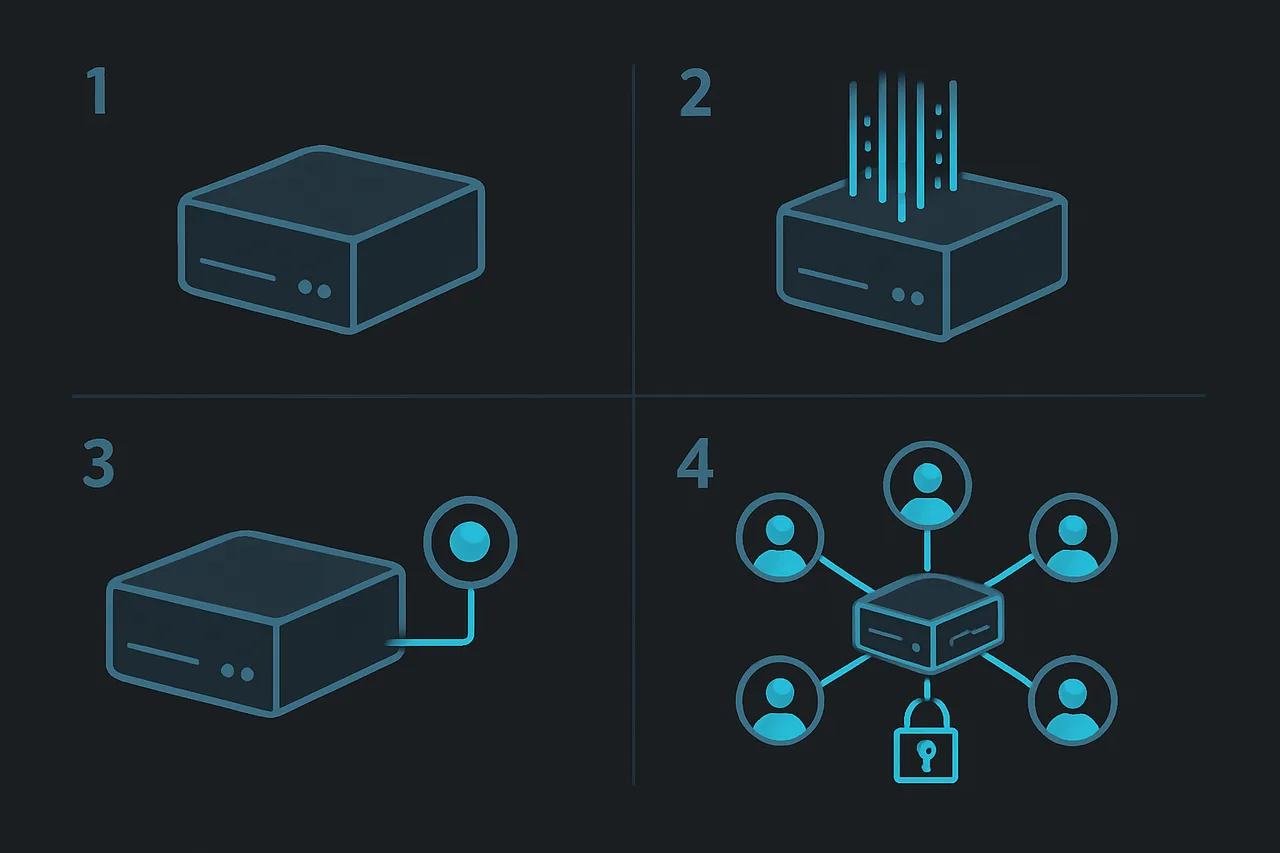
That's it. The script handles everything else: pulling Docker images, configuring the reverse proxy, generating SSL certificates, setting up the database, configuring firewalls, and starting all services.
Step 3: What Gets Installed
If you chose Matrix/Element:
- Synapse—the Matrix homeserver that handles all communication
- Element Web—the modern chat interface your users will see
- PostgreSQL—the database backend
- Coturn—TURN/STUN server for voice and video calls
- Nginx—reverse proxy with automatic HTTPS via Let's Encrypt
- Discord/Telegram bridges (if selected)—so users on other platforms can join your rooms
If you chose Stoat:
- Stoat Web Client—the Discord-like chat interface
- Stoat API—Rust-based backend
- MongoDB—the database backend
- Caddy—reverse proxy with automatic HTTPS
- File upload service, notifications, and URL previews—all pre-configured
Step 4: Create Your First Users
For Matrix:
cd /opt/matrix-discord-killer
docker compose exec synapse register_new_matrix_user -c /data/homeserver.yaml
For Stoat: Open your domain in a browser. Registration is available through the web interface by default. To make your server invite-only, edit Revolt.toml and set invite_only = true.
Bridging Discord, Telegram, and More
One of Matrix's killer features is bridging—the ability to connect your self-hosted server to other platforms. If you selected bridges during the OneShot Matrix setup, they're already running.
Discord Bridge: Message @discordbot:yourdomain.com from Element to start the bridge configuration. Your Discord server's channels will appear as Matrix rooms, and messages flow both directions in real-time.
Telegram Bridge: Similarly, message @telegrambot:yourdomain.com to link Telegram groups.
This means you can gradually migrate your community without forcing everyone to switch at once. Discord users keep using Discord. Telegram users keep using Telegram. Matrix users use Element. Everyone sees the same messages.
Securing Your Self-Hosted Chat Server
Running your own server means you're responsible for security. OneShot Matrix configures sensible defaults, but here are additional hardening steps:
Essential Security Checklist
- Change the default SSH port and disable password authentication (use SSH keys only)
- Enable automatic security updates:
sudo apt install unattended-upgrades - Set up fail2ban to block brute-force login attempts:
sudo apt install fail2ban - Keep Docker images updated: Run
docker compose pull && docker compose up -dmonthly - Monitor logs:
docker compose logs -fshows real-time activity - Back up regularly: All data lives in
/opt/matrix-discord-killer/data/—ScalaHosting's free snapshots make this effortless
Privacy Advantages Over Discord
With this setup, your communication security improves dramatically compared to Discord:
- No corporate data mining—your messages aren't training AI models or feeding ad networks
- No government ID requirements—you set the registration policy
- End-to-end encryption (Matrix)—messages are unreadable even if your server is compromised
- No third-party data breaches—no vendor can leak your government ID because you never submitted one
- Full data sovereignty—your data stays in the jurisdiction you choose, on hardware you control
For additional privacy while accessing your server remotely, consider using a VPN. NordVPN encrypts your connection to your server, preventing your ISP from seeing that you're accessing a Matrix or Stoat deployment. This is especially important on public Wi-Fi or in countries with restrictive internet policies. Check our VPN tier list for the full breakdown.
Managing Your Server Day-to-Day
Once running, your self-hosted chat server requires minimal maintenance. Here are the commands you'll use most:
# Check if all services are running
docker compose ps

# View logs for a specific service
docker compose logs synapse    # Matrix
docker compose logs api        # Stoat

# Restart everything
docker compose restart

# Update to latest versions
docker compose pull && docker compose up -d

# Back up all data
tar -czf backup-$(date +%Y%m%d).tar.gz /opt/matrix-discord-killer/data/
Scaling for Larger Communities
As your community grows beyond a few hundred users, you may need to upgrade your server resources:
- 100-500 users: 4 GB RAM, 2 cores (ScalaHosting Build #1)
- 500-2,000 users: 8 GB RAM, 4 cores—consider ScalaHosting's Build #2 plan
- 2,000+ users: 16 GB RAM, 6+ cores, and consider running PostgreSQL/MongoDB on a separate database server
ScalaHosting makes this upgrade painless—you can scale your VPS resources up or down through their control panel without rebuilding your server or migrating data.
Cost Comparison: Self-Hosted vs. Discord Nitro
Let's put the costs in perspective:
| Option | Monthly Cost | What You Get |
|---|---|---|
| Discord Free | $0 | Facial ID scans, data mining, no ownership |
| Discord Nitro | $9.99 | Same but with emoji and uploads |
| Self-Hosted (ScalaHosting) | $29.95 | Full ownership, encryption, no limits |
| Self-Hosted (budget VPS) | $5-15 | Works, but with Docker compatibility risks |
For a gaming group of 10-50 people, that's $0.60-$3.00 per person per month to own your infrastructure completely. Split the cost, and it's cheaper than a single Discord Nitro subscription while giving your entire community encrypted, private communication with zero corporate oversight.
Frequently Asked Questions
Can I migrate my Discord server to Matrix or Stoat?
With Matrix, yes. Discord bridges allow your Matrix rooms to mirror Discord channels. Users can gradually transition while keeping both platforms active. For Stoat, there's no bridge—but the familiar interface makes the switch painless for most users.
Will my server get hacked?
Running any public server carries risk, but the OneShot Matrix installer configures firewalls, automatic HTTPS, and limits exposed ports. Follow the security checklist above, keep your system updated, and use ScalaHosting's snapshots for easy recovery. Matrix's end-to-end encryption means even if your server is compromised, encrypted message content remains protected.
Is self-hosting legal?
Absolutely. Running a Matrix or Stoat server is no different from running a website or email server. You're responsible for content on your platform, just as Discord is for theirs. Standard hosting terms of service and local laws apply.
Can I run this on a Raspberry Pi?
Stoat can run on a Pi 4 with 4 GB RAM for very small groups (under 20 users). Matrix with Synapse is too resource-heavy for a Pi. For anything beyond testing, a proper VPS from ScalaHosting will save you headaches.
What if I want to shut it down later?
OneShot Matrix includes a clean uninstall script: sudo /opt/matrix-discord-killer/uninstall.sh. This removes all containers, data, and configuration. You can also export your Matrix room history before shutting down.
The Bottom Line
Discord's age verification mandate in March 2026 isn't just an inconvenience—it's a fundamental shift in how the platform treats its users. Handing over government IDs or biometric face scans to a company that already lost 70,000 user IDs in a breach is an unreasonable ask.
The good news: you have real alternatives now. Matrix gives you encrypted, federated communication trusted by governments and open-source foundations worldwide. Stoat gives you the Discord experience without the surveillance. And OneShot Matrix makes deploying either one as simple as running a single command on a ScalaHosting VPS.
Your community deserves a home that can't be rug-pulled by corporate policy changes. Build it yourself. Own it completely. Start today.
Resources: